

×
![]()


Fabric 8.5
Verify Execution
Create a New Verify Task
Click the hamburger menu (top-left) and select Verify.
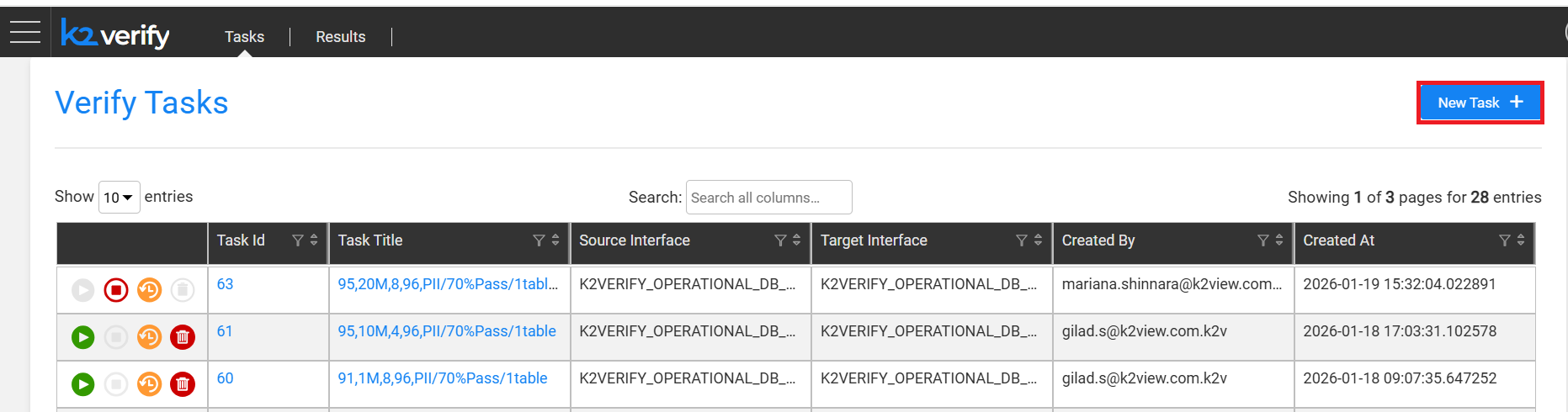
Click New Task.
Fill in the task details:
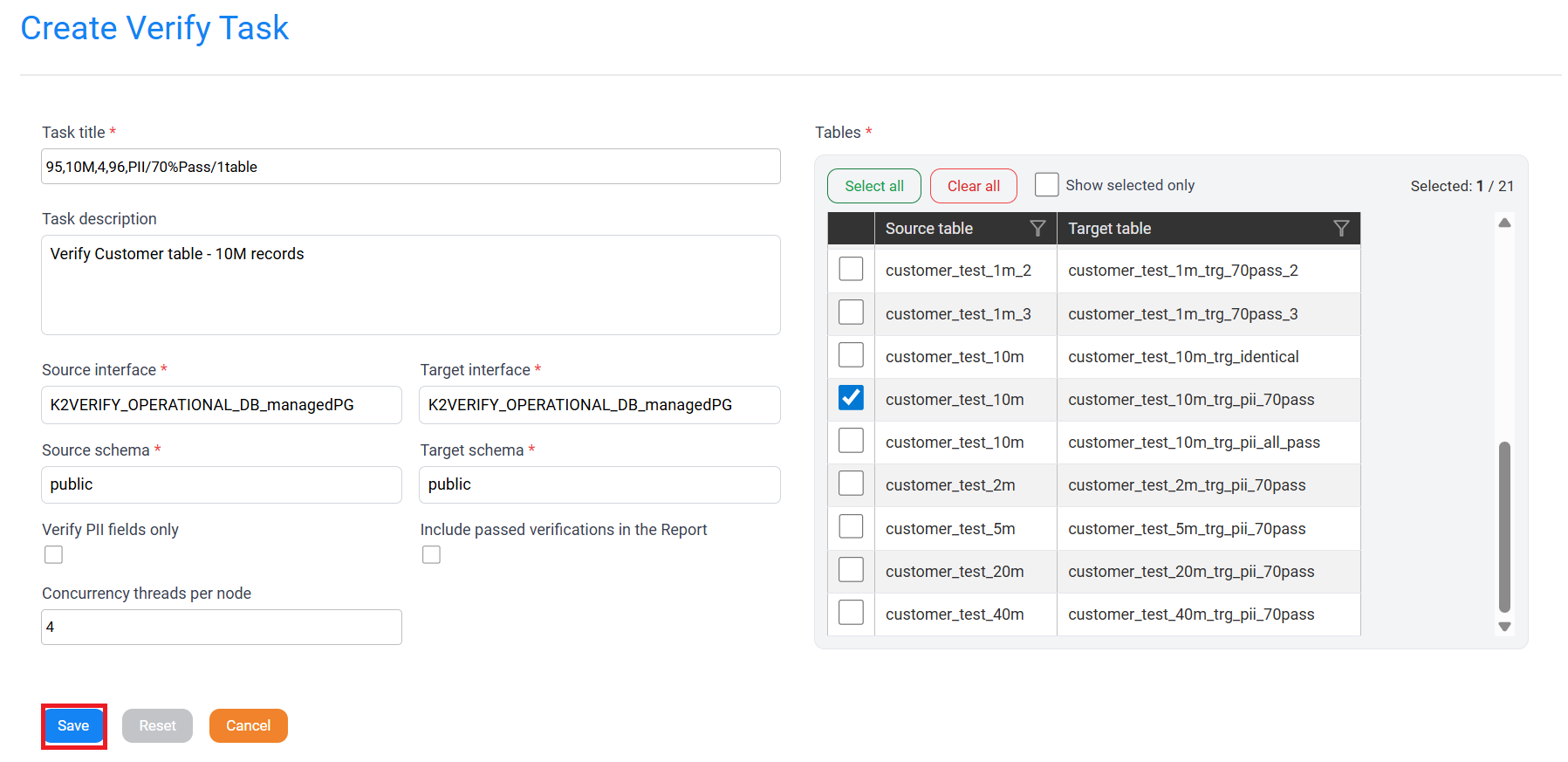
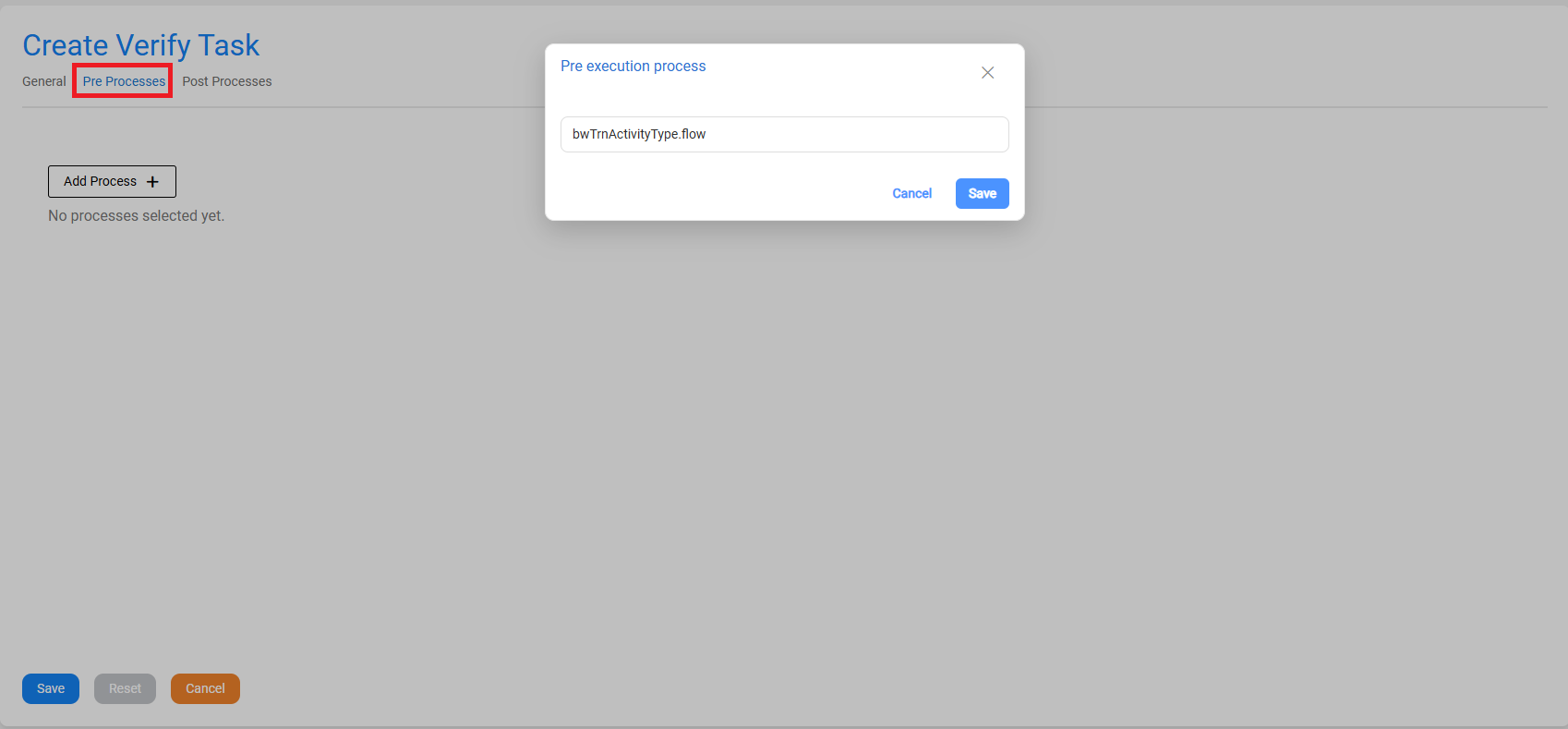
Click Save.
Execute the Verify Task
Click the Play (▶) icon next to the task.
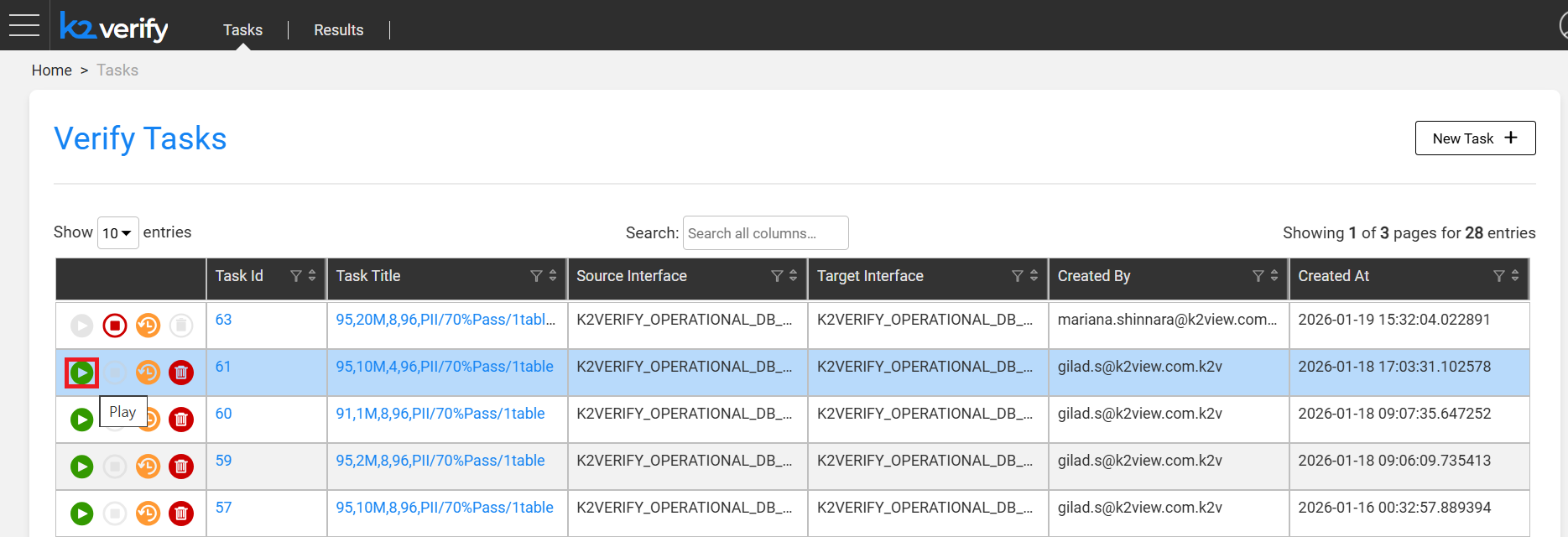
A validation flow runs before execution starts:
- Verifies source and target interfaces are accessible.
- Confirms selected tables exist.
- Validates key fields are present in both source and target.
- Checks that task configuration is valid.
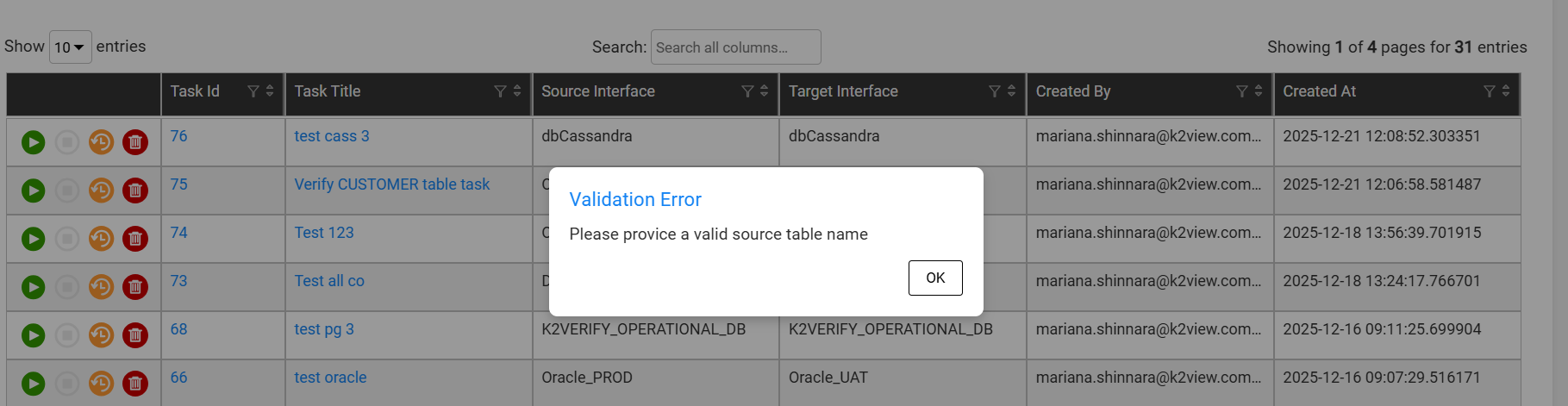
If any validation fails, an error is displayed before execution begins.
Note: Task execution uses the environments defined in the task, not the active Fabric session environment.
Verify Execution
Create a New Verify Task
Click the hamburger menu (top-left) and select Verify.
Click New Task.
Fill in the task details:
Click Save.
Execute the Verify Task
Click the Play (▶) icon next to the task.
A validation flow runs before execution starts:
- Verifies source and target interfaces are accessible.
- Confirms selected tables exist.
- Validates key fields are present in both source and target.
- Checks that task configuration is valid.
If any validation fails, an error is displayed before execution begins.
Note: Task execution uses the environments defined in the task, not the active Fabric session environment.

© Copyright 2026 K2VIEW